Watch your agents think.
Steer them mid-run.
LiveGraph is a model-agnostic agent orchestrator whose canvas stays live mid-run — reroute a running workflow by dragging an edge. One web app for agents, graphs, and the automations that run them — sign up and use it right here.
OpenAI Agent Builder shuts down November 30, 2026. Bring an Agents SDK export onto this canvas. The importer reads the code, never runs it, and lists what does not carry over before you open the graph.
The demo needs no signup and no key — a scripted mock model drives the real engine while you reroute a run in flight. Sign up and an included free model runs your own graphs.
Already have an account? Log in

How mid-run steering actually works
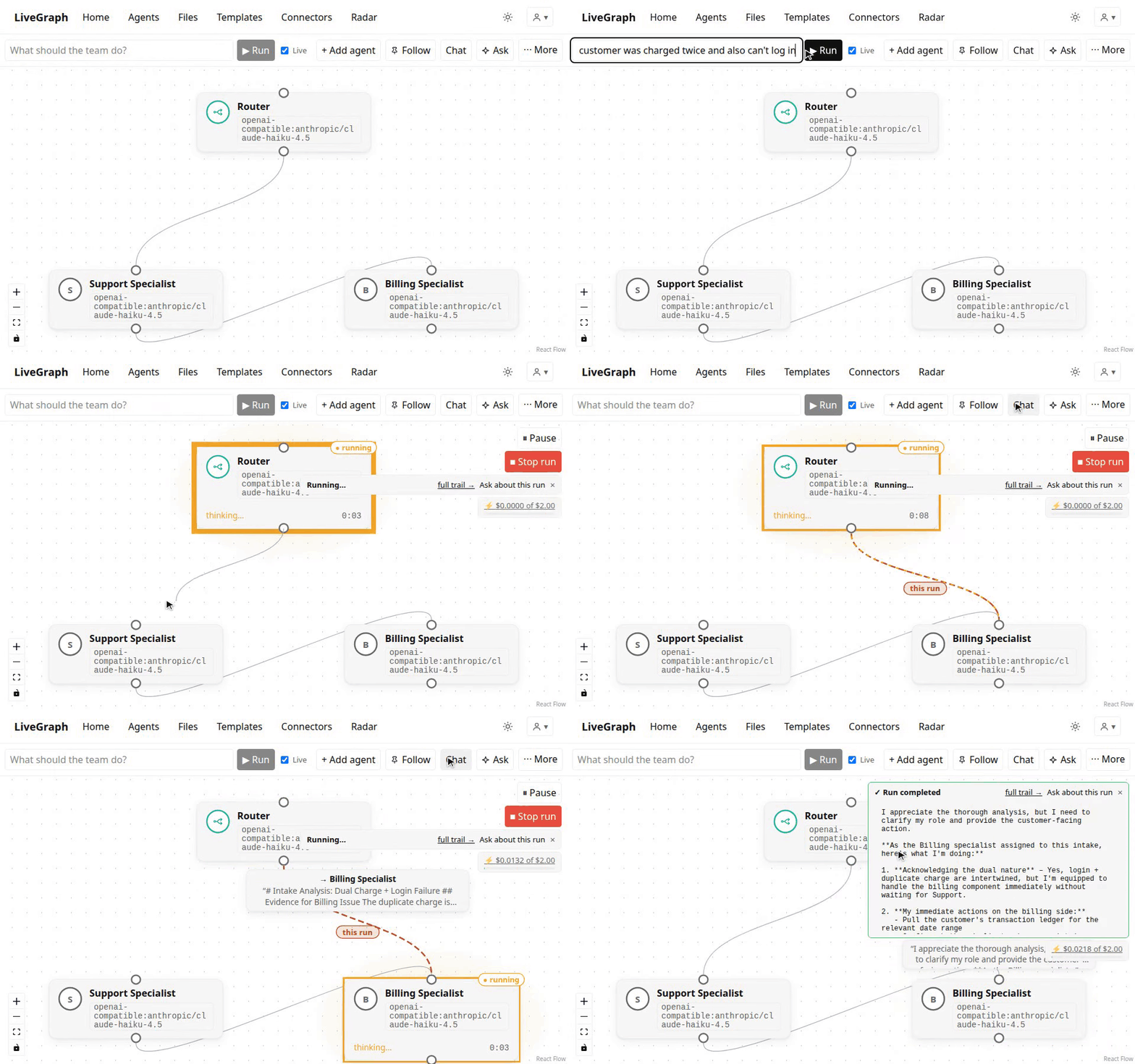
No pre-planned route, no replay log. The engine resolves where a run goes next at the moment each hop returns — so the graph you're looking at is the graph that's executing.
Steer the next hop, not a replay
A chat turn, and a run you start from the canvas, resolves each hop against the graph as it exists right then. Drag an edge and the next hop follows it — no restart, no re-run, no lost context. You're asked whether to keep that route. Until you say yes, the saved graph is unchanged.
Pause, resume, or stop — your call
The in-flight model call always finishes and stays on the run's event trail — steering redirects what happens next rather than erasing what already happened. Pause parks a running hop at its next step boundary and resumes it from the same checkpoint; cancel is the explicit hard stop. Both are your call, never a side effect of an edit.
Schedules stay pinned
A scheduled or webhook run snapshots the graph when it starts, so a drag doesn't rewrite a job already in flight. The next firing uses the new route only if you saved it. Turn Live off on the canvas when you want one reproducible run.
Who it's for
A founder or a small agency already running agents against a real system — a repo, an inbox, a site — who is on the hook when a hop goes to the wrong place. The unfilled job isn't reviewing the mistake afterward; it's changing where this run goes next, without restarting it.
Unattended runs stay pinned — schedules and webhooks snapshot the graph at the start, so a drag never rewrites a job already in flight. Chat turns and the canvas Run button start live: the run a person is watching is the run they can steer.
Why LiveGraph
A canvas that stays live
Not a diagram that goes inert when a run starts. Watch each hop execute on the routing graph, then act on it — reroute, pause, approve, or stop — while the run is still in flight.
Model-agnostic — your keys or ours
Sign up and start building on the included free Gemini model, no key needed. Bring your own key for Anthropic, OpenAI, xAI, OpenRouter, or any OpenAI-compatible endpoint — even fully local models via Ollama — or run on our hosted keys and skip key management entirely.
Real write access, safely
Agents write code in an isolated git worktree on their own branch — never your real checkout. /push and /pr are literal commands matched by regex before any model involvement, never an LLM's judgment call.
Context and memory that stays auditable
Agents are stateless per hop by default — shared state is opt-in, scoped to the agent that needs it, and every piece of it is visible in the run trail.
Zero-config context discovery
CLAUDE.md, AGENTS.md, and memory/ files under an agent's file root are discovered and injected into every hop automatically — no wiring, no extra tool call. Explicit per-graph and per-agent context files merge in alongside, fresh on each hop.
A run-wide blackboard
Agents publish findings that every later hop reads — with node, hop, and timestamp provenance — so a fact discovered by a researcher reaches the writer even when the handoff was routed elsewhere.
Durable memory, human-gated
Agents propose durable memories; a human applies or rejects. Apply lands as a reviewable git commit — and once merged, it's read back by future hops automatically. Any blackboard entry promotes to memory in one click.
Recall without a black box
Agents search prior runs through an explicit tool call that shows up in the log — owner-scoped full-text search over the run trail. No vector store, no hidden retrieval, nothing the agent saw that you can't see too.
Graphs nest instead of sprawling
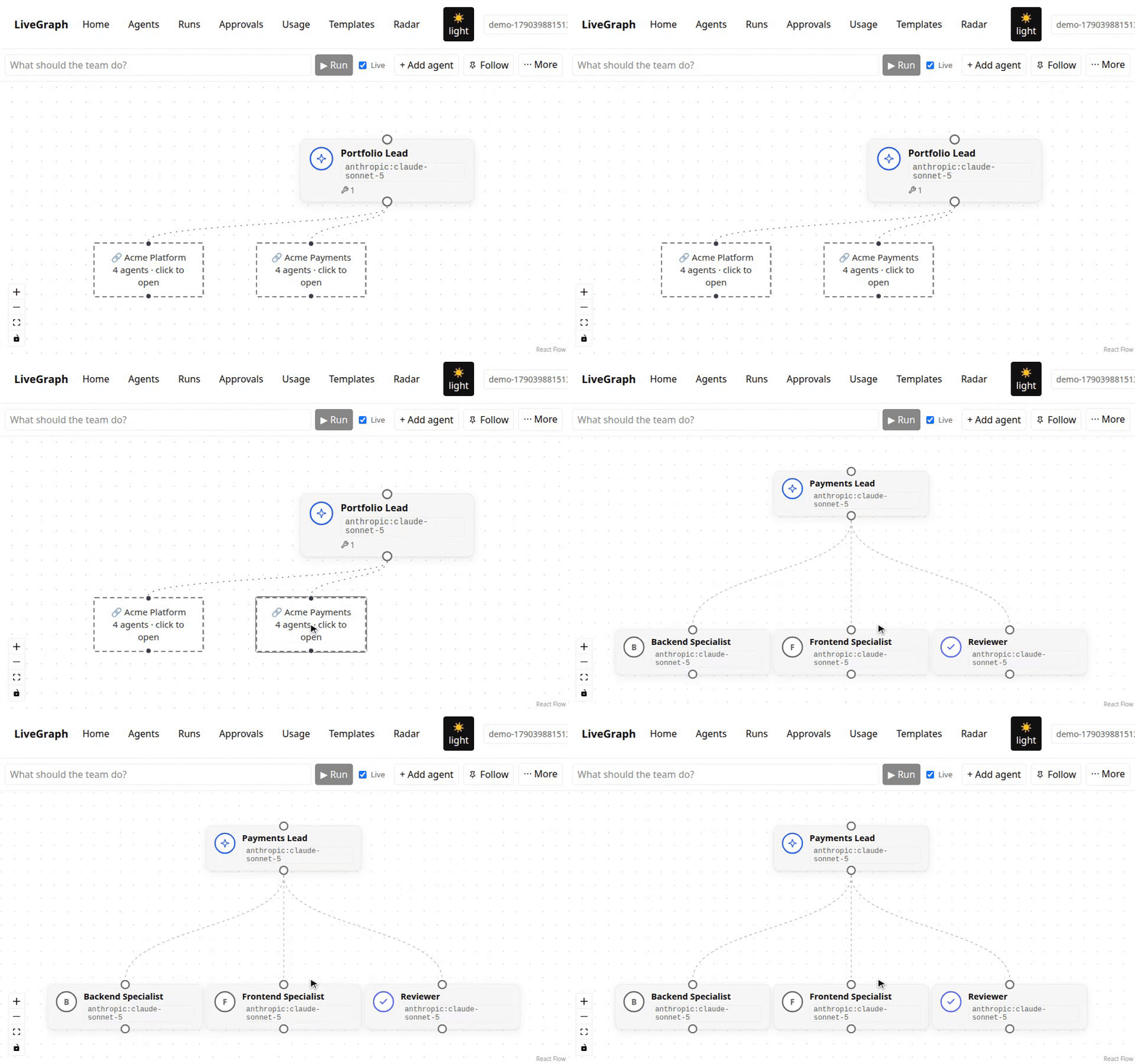
One graph can dispatch work into another graph you own. That reach renders as dashed gateway nodes right on the canvas — click one and you're on that team's own canvas, not a modal. A portfolio of teams stays readable as separate, clickable hierarchies.
Why not the tools you already know
n8n — a canvas that goes inert
You can watch a workflow run, but you can't steer it: edits apply to the next execution, not the one in flight. LiveGraph's canvas is the running system, not a picture of it.
CrewAI / LangGraph — libraries, not a control surface
You write Python and inspect traces after the fact. LiveGraph is the live control surface those frameworks don't ship — a control plane, not another SDK.
Lindy, Gumloop, Zapier Agents — opaque and metered
The graph is the product they hide: no routing you can see or touch, approvals pause at pre-wired points rather than let you steer, and usage is metered per action or credit on top of the subscription. LiveGraph shows you the graph while it runs — and the platform price is flat.
Built for production loops, not demos
LiveGraph runs its own improvement loop in production — the guards below exist because real autonomous runs demanded them.
Human gates, real queues
Approval-gated nodes park runs at awaiting_approval instead of stalling the loop around them. The /approvals page is the organized approve/edit/reject queue across every graph you can act on.
Guards against runaway loops
Webhook deliveries dedupe per trigger, a CI fix-round breaker caps failure verdicts per branch, and an identical cross-graph dispatch attaches to the run already parked or in flight — self-improvement loops can't treadmill-fire duplicate work.
Full operational surface
Per-run dollar budgets with automatic downgrade, scheduled runs, multi-user graphs with viewer/editor roles and per-member spend caps, usage and cost tracking, provider fallback chains, sandboxed code execution (run_code), a GitHub tab with live PR status and a real diff viewer, reusable templates, and fork-from-any-hop replay.
Case study: LiveGraph ships its own PRs
The hosted deployment runs a self-improvement loop built entirely from product primitives — no special-casing, and every step visible on the same canvas you'd use.
- A cron schedule fires the Team Lead every six hours — the overlap guard serializes iterations, so a still-running loop never double-fires.
- A Loop Engineer reads the roadmap's known gaps and pushes a fix branch through the GitHub MCP — no hosted checkout, it works on live remote state.
- CI verifies the push, then a
workflow_runwebhook fires a verdict run: failure routes back to the engineer for a fix round with the real CI job logs; success routes to a reviewer. - An approved verdict dispatches into the Release Publisher graph — where the run parks at a human approval gate and queues in
/approvalsinstead of stalling the loop. - A human approves, the PR opens, GitHub auto-merge ships it only when required checks pass. Nothing merges red, and nothing ships unapproved.
~10 speculative commits in 12 minutes
A CI failure once treadmill-fired fix round after fix round. Now a platform-level fix-round breaker caps failure verdicts per branch — the loop gets exactly one bounded budget, then stops.
8 identical runs parked on one gate
Repeated approvals each re-fired the same publish dispatch. Now an identical dispatch attaches to the run already parked or in flight — one input, one run.
8 blind fixes before reading the error
The engineer once pushed commit after commit guessing at a typecheck error it never saw. Now it fetches the real CI job logs through an allowlisted GitHub API endpoint first.
The same machinery runs more than engineering: a Support Desk graph turns GitHub issues into triaged, doc-grounded draft replies behind a human-approved comment gate, and a Marketing Opsgraph drafts content that queues in the same /approvals surface. Different jobs — same canvas, same gates, same audit trail.
Shipped by LiveGraph
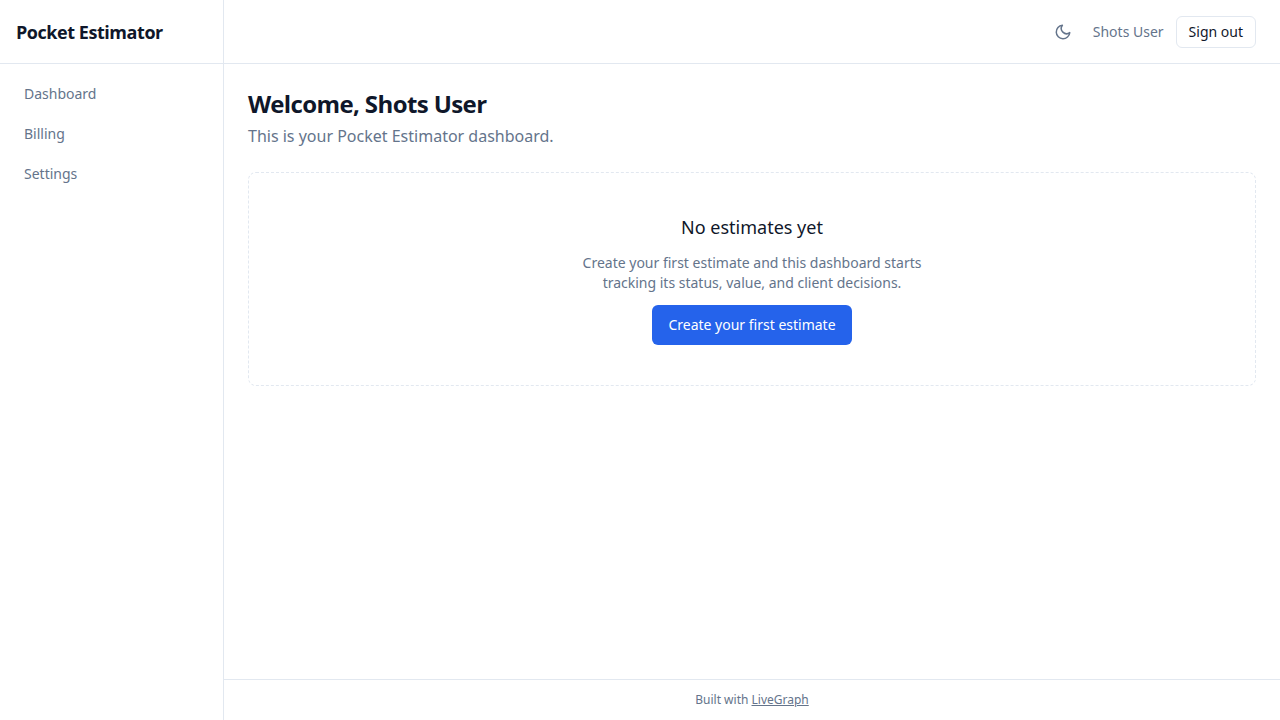
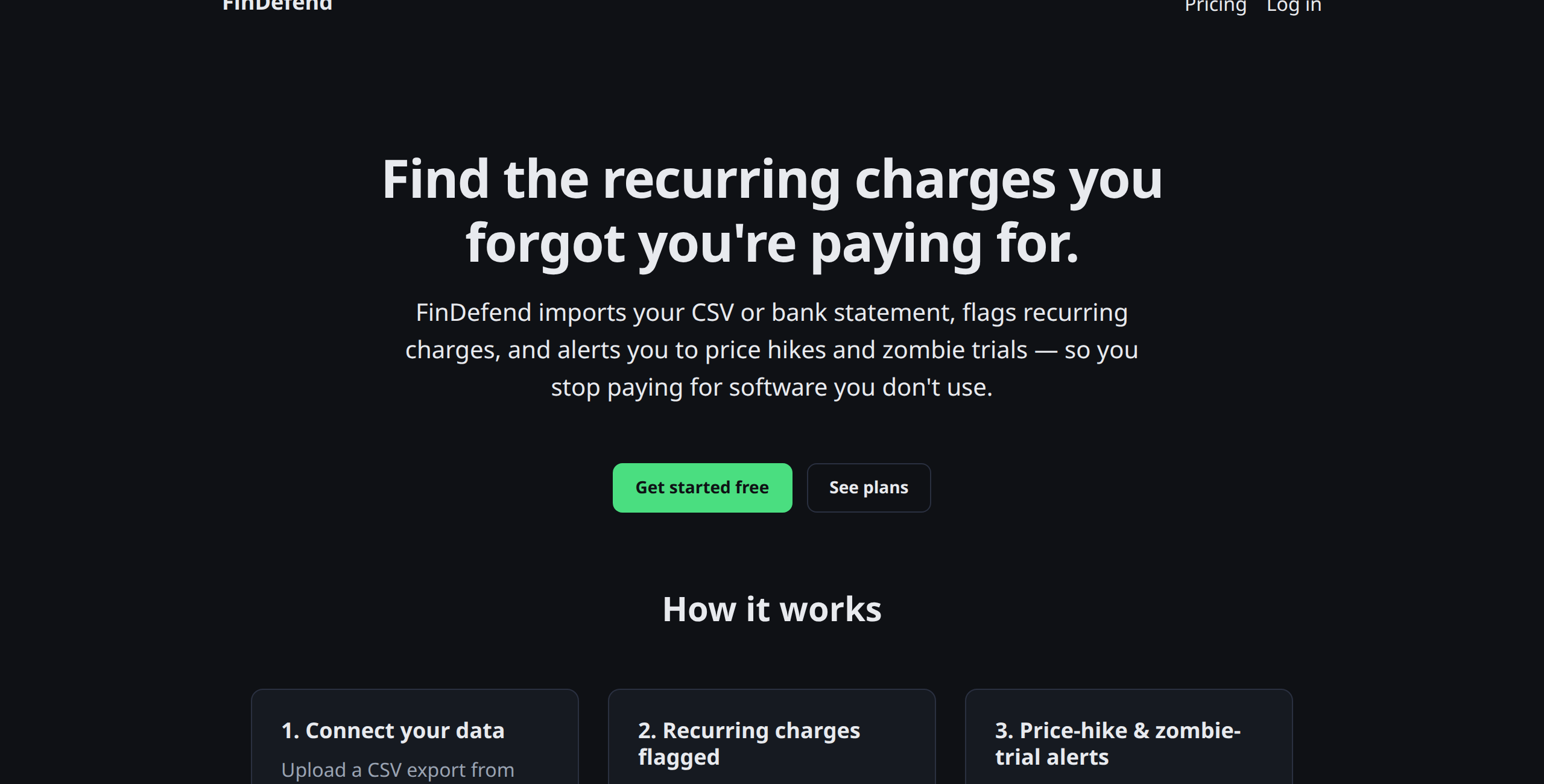
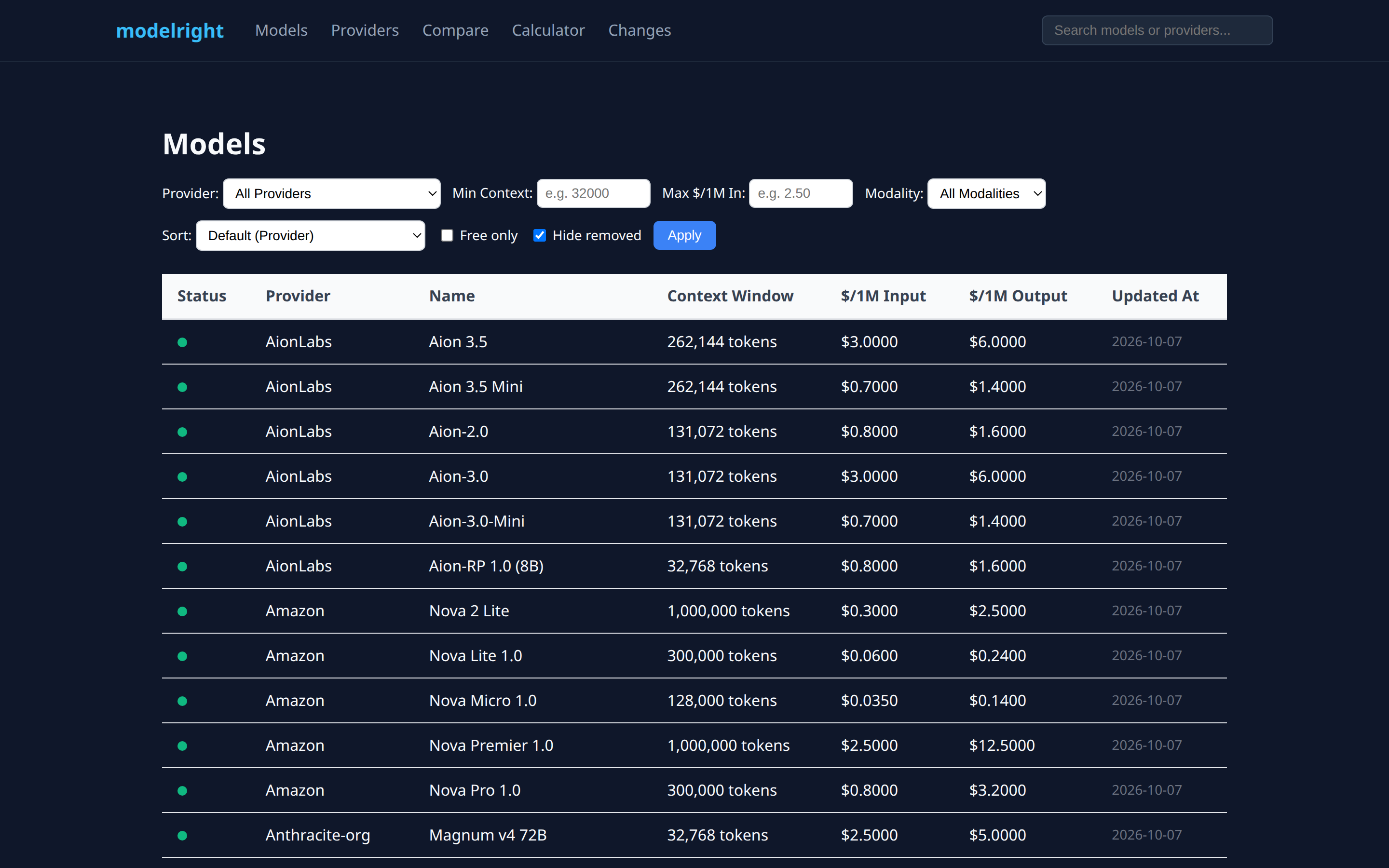
These products are live on the internet right now — each one went from a paragraph-long brief to a deployed, self-improving application through App Bootstrap and an improvement loop. The loops still run them.
From signup to a running loop in five steps
A guided setup walks you from a fresh account to scheduled autonomous runs — every step skippable, everything configurable later.
- Connect GitHub. One OAuth click — the token that lets your agents push branches and open PRs.
- Pick a model. The included free model works out of the box — no key, no card, a fair-use daily cap. Or paste your own key (a free Google AI Studio key works too) — your calls bill to your account at provider prices, never marked up.
- Point at a repo. Auto-merge and required CI checks get configured on your base branch — so approved work merges itself only when checks are green.
- Describe a workflow in plain English. A whole agent team lands on the canvas — live, editable, reroutable — not a black box.
- Pick a schedule. Autonomous templates — like the self-improvement loop above — start ticking on your repo. Their PRs queue in
/approvalsfor your call.
Orchestrate agents you can actually steer
Consensus fan-out, scheduled runs, webhook triggers, MCP tools, and human-in-the-loop approvals — all on one live canvas. Free to start: the included model runs your first graphs with no key at all.